
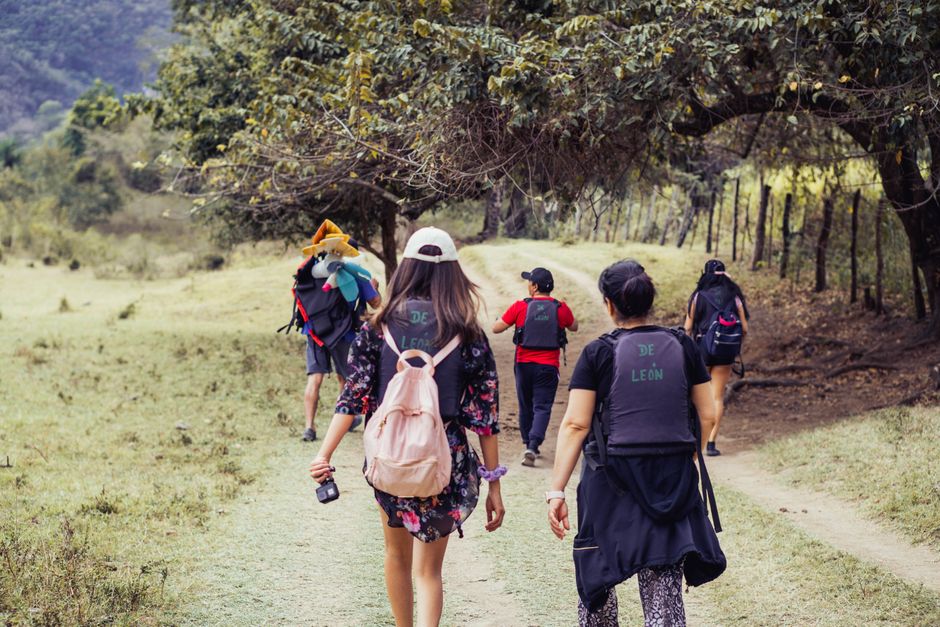
You and three friends land in Bangkok at 2 AM. One person forgot the SD card. Another insists on filming every single street food stall for 20 minutes. The third is already arguing about who gets the window seat on the next flight. By day two, you have 80 GB of shaky footage and zero usable clips. Sound familiar?
Group YouTube trips fall apart fast without structure. The solution isn’t more gear—it’s a shared system for planning, filming, and editing that everyone agrees on before the plane leaves. Here’s exactly how to build that system.
1. Pre-Trip Planning: Lock Down the Logistics Before Anyone Buys a Ticket
Most groups waste the first two days arguing about where to go and what to film. Fix this with a single shared document.
Create a master itinerary in Google Sheets with columns for: time, location, activity, who’s filming, and who’s on audio. Share edit access with the whole group. Use Google Maps to pin every location and estimate travel time between spots. A 20-minute walk eats more daylight than you think.
Tools that save your trip:
- TripIt (free) — forward flight and hotel confirmations to [email protected]. It builds a master calendar automatically. No more “what’s our gate?” texts.
- Splitwise (free) — track shared expenses in real time. One person pays for the taxi, another for dinner. The app settles debts at the end. Prevents the biggest friendship-killer: money confusion.
- Google Maps offline maps — download the entire city before you leave. No data? No problem. You still navigate.
Here’s the hard rule: every person must bring their own power bank (20,000mAh minimum), their own SD cards (at least 128GB each), and their own backup storage. Shared gear fails. Someone always forgets to charge. Individual responsibility eliminates that failure mode.
What happens when you skip this step
You’ll spend 45 minutes each morning deciding where to eat. You’ll film the same temple from the same angle three times. And you’ll come home with 30 minutes of usable footage from a 10-day trip. The itinerary isn’t a restriction—it’s a time machine that gives you back hours of creative energy.
2. Gear Strategy: Pack Light, Film Smart, Share the Load
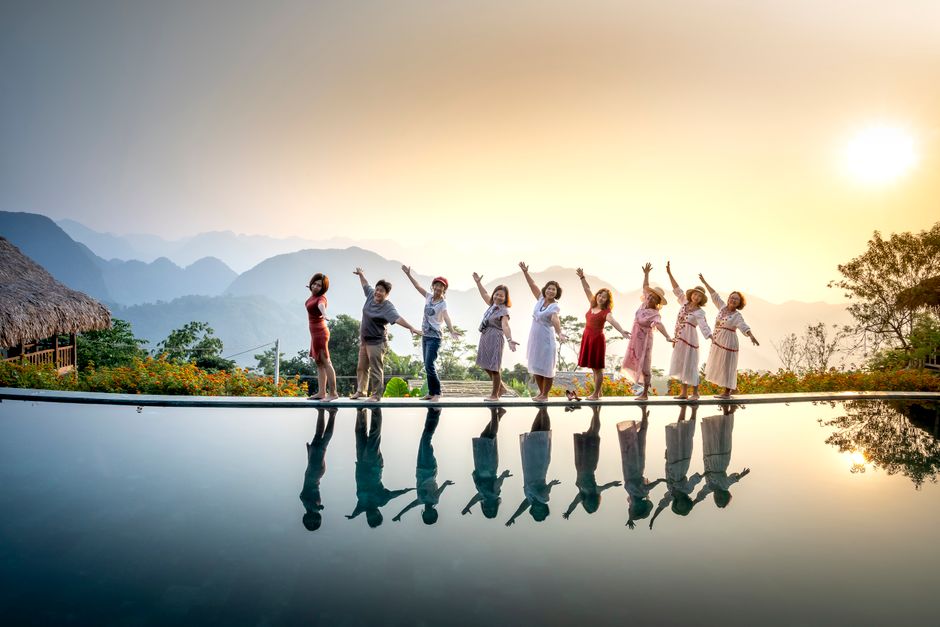
One person carries the camera. One handles audio. One manages the drone. One is backup. That’s the split.
For a group of four, here’s the minimum gear list that works:
| Role | Gear | Weight | Cost (approx) |
|---|---|---|---|
| Camera operator | GoPro Hero 13 Black + 3 batteries | 154g | $400 |
| Audio operator | DJI Mic 2 (2 transmitters + receiver) | 90g | $349 |
| Drone pilot | DJI Mini 4 Pro + 3 batteries | 249g | $759 |
| B-roll / backup | iPhone 15 Pro + 1TB external SSD | 187g + 45g | $999 + $100 |
Total weight per person: under 1kg. That’s carry-on friendly for every airline.
The DJI Mic 2 is non-negotiable. Group videos die when wind noise covers every line of dialogue. Clip one transmitter to the person speaking, the other to the host. The receiver plugs into the camera. Clear audio makes amateur footage look professional.
Skip the gimbal for group trips. It adds weight, takes time to balance, and slows everyone down. The GoPro Hero 13’s HyperSmooth 6.0 stabilization is good enough for walking shots. Save the gimbal for solo projects.
What NOT to bring
Leave the DSLR at home. It’s too heavy, too fragile, and too slow for run-and-gun group shoots. A mirrorless camera like the Sony ZV-E10 ($700) is the max you should carry—and only if one person is dedicated to it full-time. Otherwise, the GoPro wins every time.
2. Filming Workflow: The 3-Shot Rule That Saves Your Edit
Here’s the single most important rule for group YouTube videos: every scene needs three shots.
- Wide shot — shows the location. 10 seconds.
- Mid shot — shows the person doing something. 10 seconds.
- Close-up — shows the detail (food, hands, map). 5 seconds.
That’s 25 seconds of footage per scene. In a 10-minute video, you need about 24 scenes. That’s 10 minutes of raw footage total. Most beginners shoot 2 hours for a 10-minute video. The 3-shot rule cuts that by 80%.
Assign one person as the “shot caller.” They decide when a scene is done. No one argues. No one re-shoots the same thing three times. The shot caller rotates each day so everyone gets a turn directing.
Use hand signals instead of yelling across a market. Point to your eye = “I’m rolling.” Finger to lips = “quiet.” Circle finger = “one more take.” Works in loud environments and saves your voice.
Audio is the bottleneck
Viewers forgive shaky footage. They do not forgive bad audio. Record a 10-second room tone at every location (everyone silent, capture the ambient sound). In editing, use that room tone to mask cuts. The DJI Mic 2 records at 48kHz/24-bit—more than enough for YouTube. Set the gain to -12dB to avoid clipping when someone laughs loudly.
3. Editing Workflow: How to Cut a Group Video in 4 Hours
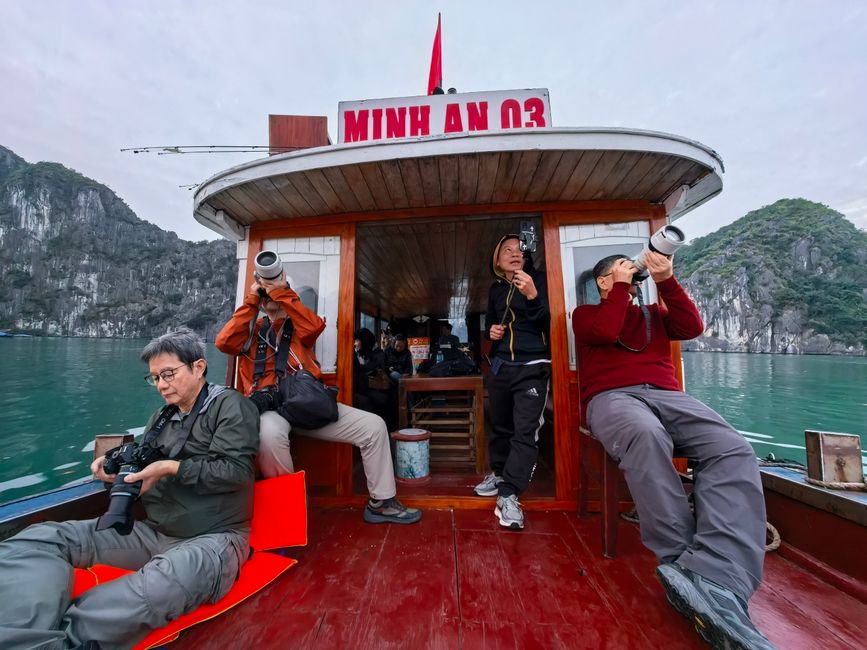
The biggest mistake groups make: everyone edits their own footage alone, then tries to stitch it together. The color grades never match. The audio levels jump. The pacing feels broken.
Instead, appoint one editor for the first cut. The other three become “reviewers.” Here’s the timeline:
- Day 1 of trip: Everyone uploads their footage to a shared drive (Google Drive or Dropbox, 2TB plan for $10/month). Name files by date and scene: “03-15_temple_wide.MP4”
- Day 2: Editor does a rough cut using DaVinci Resolve (free, no watermark). No color, no effects—just the story sequence.
- Day 3: Editor shares the rough cut via Google Drive link. Reviewers add timestamped comments: “0:45 — add drone shot here” or “2:10 — audio is too low.”
- Day 4: Editor implements changes, adds color grading (use a LUT from FilmConvert, $99), and exports at 4K 30fps H.264.
Total editing time: 4-6 hours for a 10-minute video. Not 20 hours.
For the editor, use Final Cut Pro ($299) if you’re on Mac—it’s faster for timeline scrubbing than Premiere Pro. The magnetic timeline lets you move clips without breaking sync. On Windows, DaVinci Resolve is the best free option. It handles 4K multicam editing natively.
The one setting that saves your export
Set your export to H.264, bitrate 50 Mbps, 30fps. That’s YouTube’s sweet spot for 4K. Anything higher wastes upload time. Anything lower looks blocky on a big screen.
4. Cost Splitting: The System That Prevents Arguments
Money is the number one reason group trips end badly. Here’s the system that works.
Before the trip: Everyone transfers an equal amount to a joint account or a single person’s account. For a 7-day trip in Southeast Asia, budget $50 per person per day for food, transport, and activities. That’s $350 each. For Europe, $100 per day. $700 each.
During the trip: One person pays for everything from the joint fund. That person logs every expense in Splitwise immediately. No receipts saved for later. No “I’ll remember.” You forget. Log it now.
After the trip: Splitwise calculates who owes whom. Settle within 48 hours. Done.
What about gear? Each person buys their own. No shared camera purchases. No “you can use my lens if I use your mic.” Gear sharing creates resentment when something breaks. Own your own stuff.
5. When NOT to Do a Group YouTube Trip
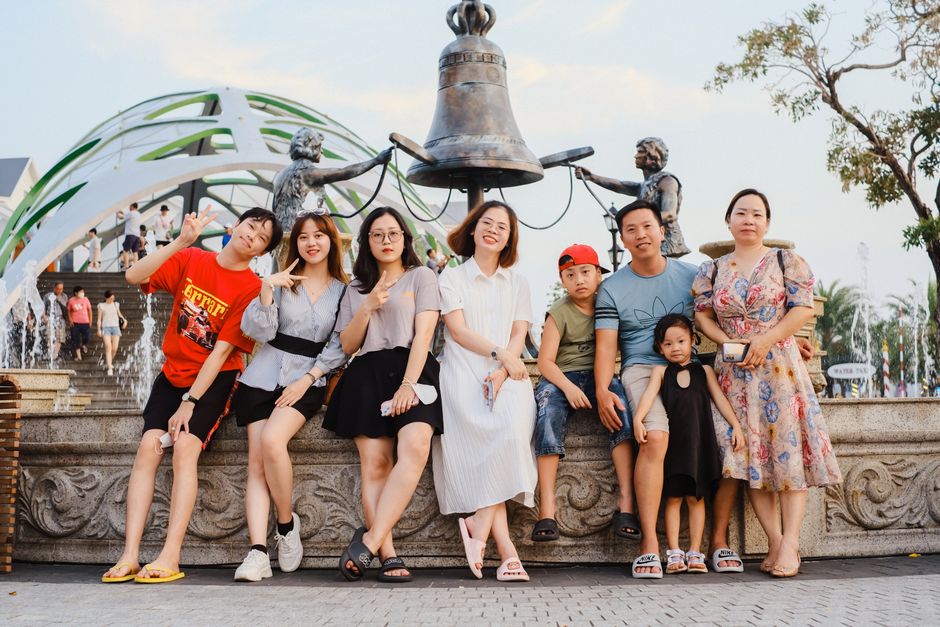
Group trips are not for everyone. Here’s when you should go solo instead:
- You want total creative control over every shot.
- You hate compromising on food, activities, or wake-up times.
- Your travel style is slow and meditative, not fast and chaotic.
- You have a specific story to tell that doesn’t need other voices.
A group trip works best when your goal is variety—multiple perspectives, shared costs, and social energy. If your goal is a polished cinematic essay, go alone. The tradeoff is real: you lose efficiency but gain control.
6. The Verdict: Start With One Test Trip
Do not plan a 14-day international trip as your first group project. Start with a weekend road trip. 3 people, 2 nights, 1 destination. Test the gear split. Test the editing workflow. Test whether you can stand each other for 48 hours straight.
If that works, scale up. If it doesn’t, you learned a $200 lesson instead of a $2,000 one.
For the first trip: GoPro Hero 13 Black for the camera operator, DJI Mic 2 for audio, DaVinci Resolve for editing, and Splitwise for expenses. That’s the stack. It costs under $1,000 total and covers every scenario a group of three can throw at it.
Film the process, not just the places. The behind-the-scenes arguments, the wrong turns, the failed drone landings—that’s the content people actually watch. A perfect travel vlog is boring. A real one with friction and recovery? That’s gold.